Simulate individual eKYC approvals
Learn how to trigger specific eKYC statuses by submitting predetermined test data during the verification process. This guide helps you understand the end-to-end user journey for individual eKYC approvals and rejections in the staging environment.
Note that these procedures are unsupported in Production and should only be performed in UAT or Staging.
Use Cases:
- You need to simulate an individual eKYC approval to test the success scenarios of your onboarding process.
- You need to simulate an individual eKYC rejection to test the negative scenarios of your onboarding process.
Prerequisites:
- You must already have an
activeregistered individual user that is ready to perform eKYC. Refer to the Perform individual eKYC section to learn about the specific required KYC criteria.
Approval Workflow
1
Generate a KYC capture link for the individual user
Simulating a KYC approval requires you to undergo the eKYC process. Render the eKYC capture link in any web/mobile browser that you want to conduct your test on.
Process KYC Verification
Call Process KYC Verification (POST /users/authentications/documents/process) to get the href or the redirect link to the eKYC web app.
Process KYC Verification request
 curl --location --request POST 'https://{{identity_base_url}}/{{program_code}}/v2/users/authentications/documents/process' \
--header 'X-Auth-User-ID: {{user_id}}' \
--header 'Authorization: ••••••'
Process KYC Verification response
 {
    "verification_id": "vfc_add3d8e603664df2ac6161ed78d68a8f",
    "profile_id": "pfi_2cf00f2a42a04571b73b4bddc06e9ca6",
    "success": true,
    "links": [
        {
            "rel": "capture.sdk",
            "href": "https://identity.uat.matchmove-beta.com/api/v1/web/sdk?id=7bb523ecc983de217a9deaea2f91c400358f1061e5b4361d0d4b64d6dbbd9a718c531b45492818d29a0a4642e545bb35f2s5adae3791348433175d9dd844de4de81ff951",
            "method": "GET"
        }
    ]
}
2
Perform the eKYC process and submit pre-approved documents
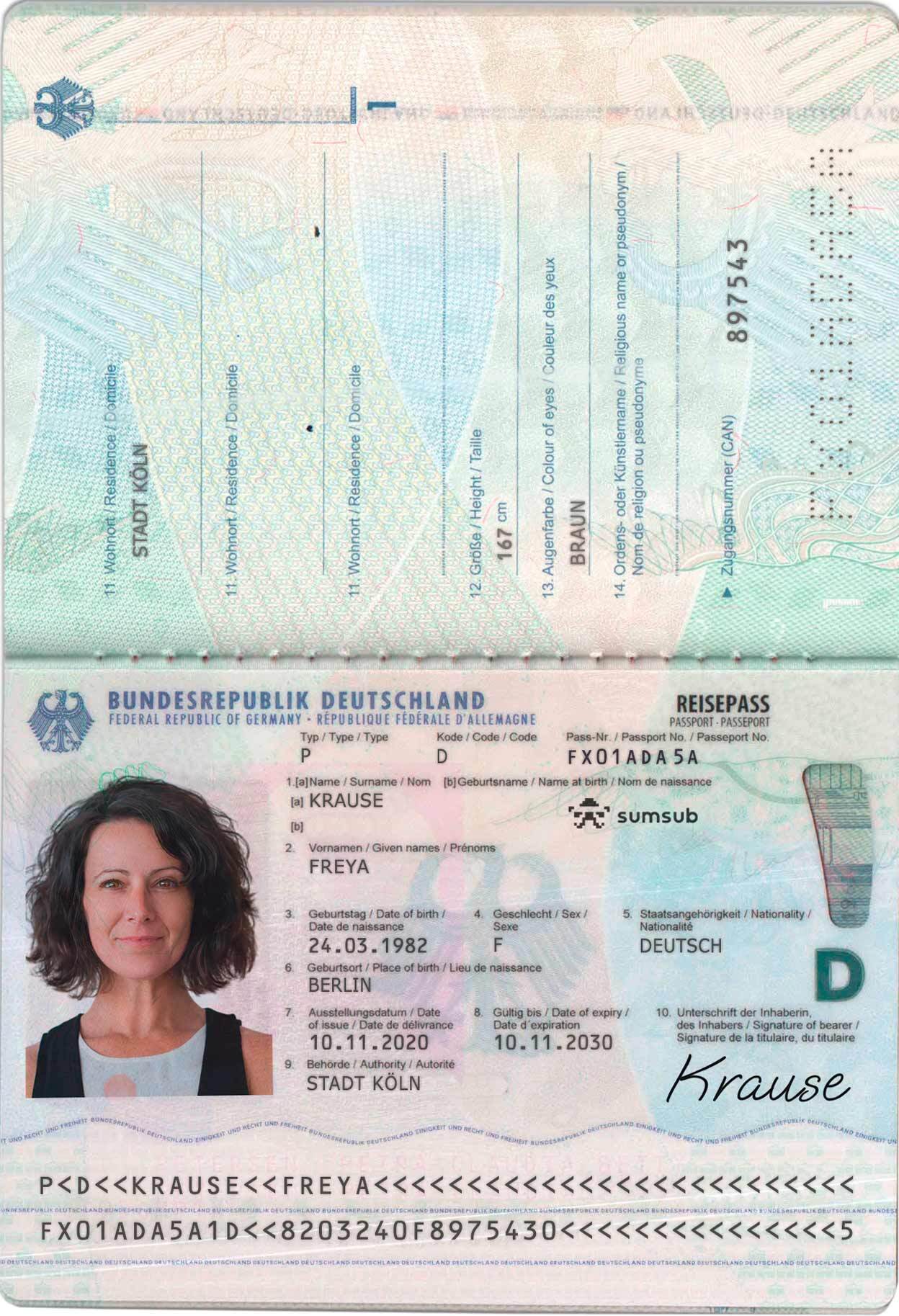
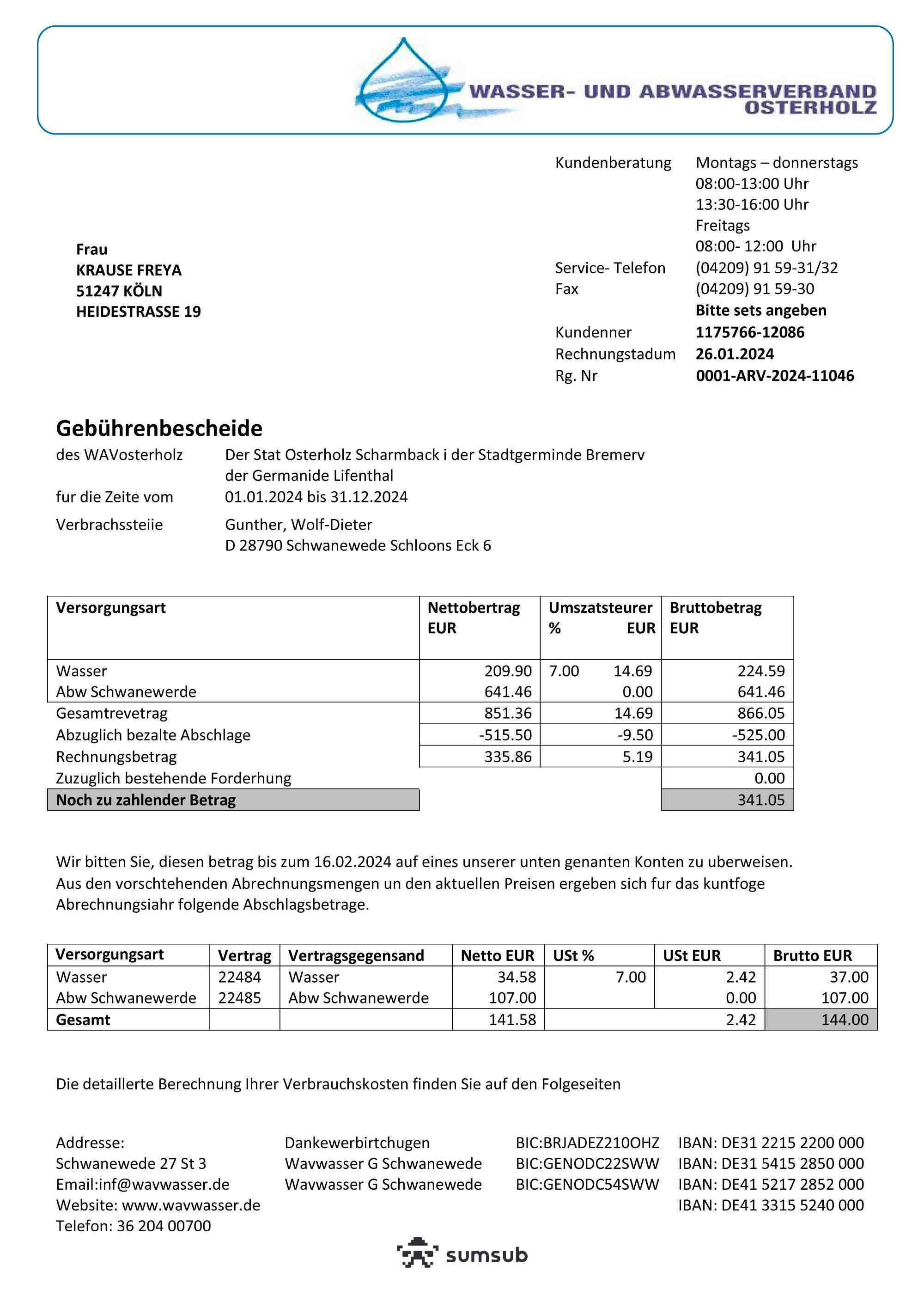
On the eKYC capture screens, you will be first asked to upload an identification document. You will need to upload any of these pre-approved identity documents.
These documents should allow you to get an approval, even if the registered user details do not align with the details in the identity documents.
You can subscribe to the KYC verification webhooks to be notified of the KYC approval of the individual user.
Pre-approved identity documents
ID card for China (front)

ID card for China (back)
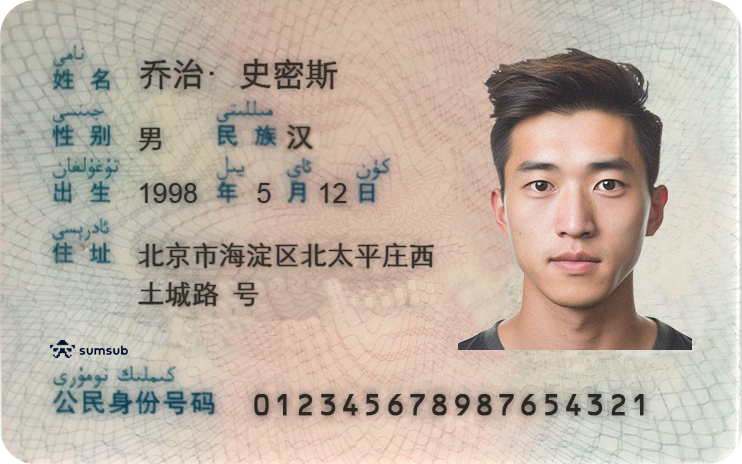
ADHAAR for India (front)

ADHAAR for India (back)
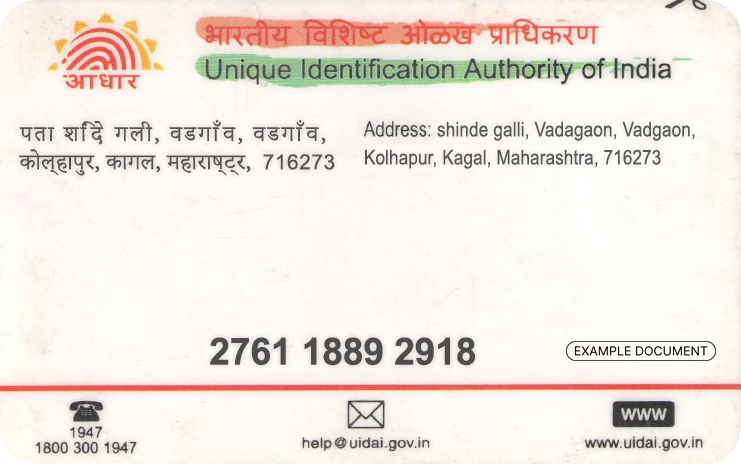
ID card for Germany (front)
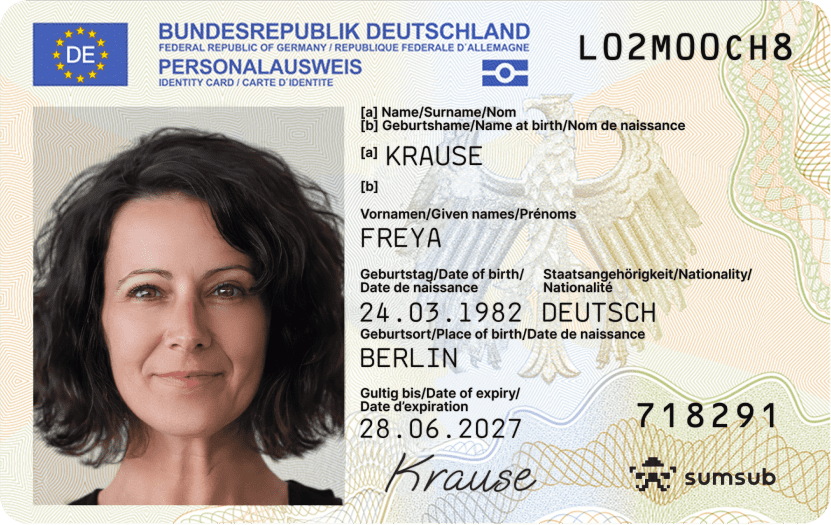
ID card for Germany (back
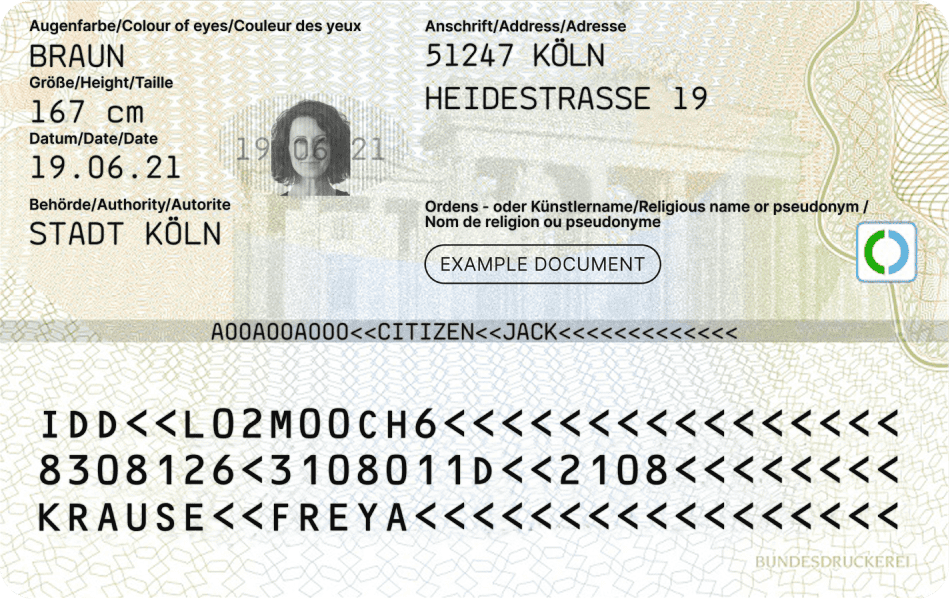
Passport for Germany
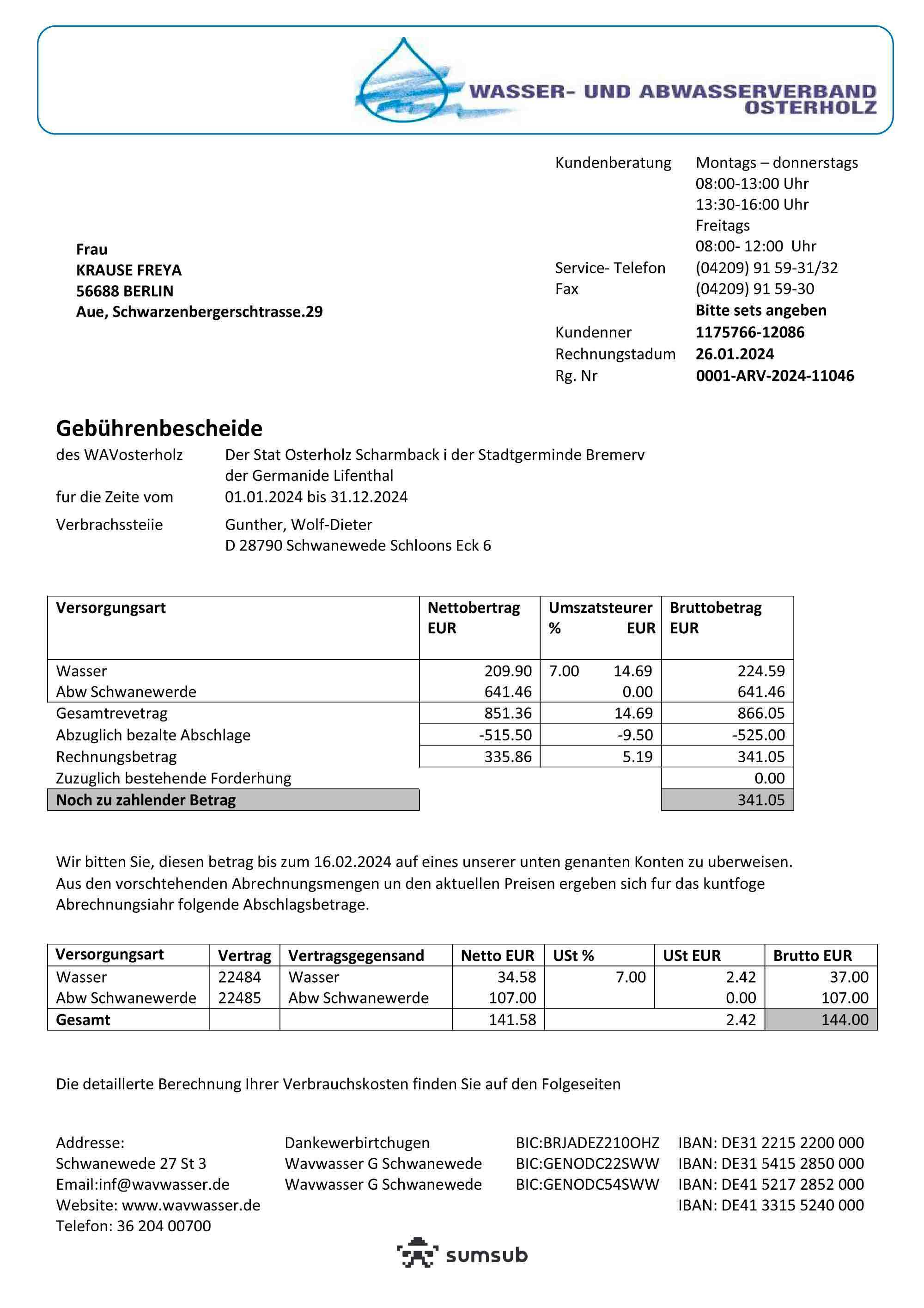
Proof of Address (PoA) for Germany
Source: https://docs.sumsub.com/docs/verification-document-templates
3
[Additional] For onboarding user from high-risk regions
If a user is flagged as "high-risk" (due to location* or profile), the system automatically triggers Enhanced Due Diligence (EDD). This adds extra screens and document requirements to their eKYC journey.
Note on Testing: You can use dummy data and documents for EDD requirements during simulation.
Please keep in mind that EDD flips the process from automated to manual review. Since MatchMove Compliance must personally vet these submissions in both staging and live environments, approval won't be immediate. In staging and for the purpose of simulation, we have established a 1-day SLA for these specific cases.
*Refer to Standard Operating Procedure for Compliance Management document for the list of high-risk and sanctions regions.
Rejection Workflow
1
Generate a KYC capture link for the user
Simulating a KYC approval requires you to undergo the eKYC process. Render the eKYC capture link in any web/mobile browser that you want to conduct your test on.
Process KYC Verification
Call Process KYC Verification (POST /users/authentications/documents/process) to get the href or the redirect link to the eKYC web app.
Process KYC Verification request
 curl --location --request POST 'https://{{identity_base_url}}/{{program_code}}/v2/users/authentications/documents/process' \
--header 'X-Auth-User-ID: {{user_id}}' \
--header 'Authorization: ••••••'
Process KYC Verification response
 {
    "verification_id": "vfc_add3d8e603664df2ac6161ed78d68a8f",
    "profile_id": "pfi_2cf00f2a42a04571b73b4bddc06e9ca6",
    "success": true,
    "links": [
        {
            "rel": "capture.sdk",
            "href": "https://identity.uat.matchmove-beta.com/api/v1/web/sdk?id=7bb523ecc983de217a9deaea2f91c400358f1061e5b4361d0d4b64d6dbbd9a718c531b45492818d29a0a4642e545bb35f2s5adae3791348433175d9dd844de4de81ff951",
            "method": "GET"
        }
    ]
}
2
Perform the eKYC process and submit pre-rejected documents
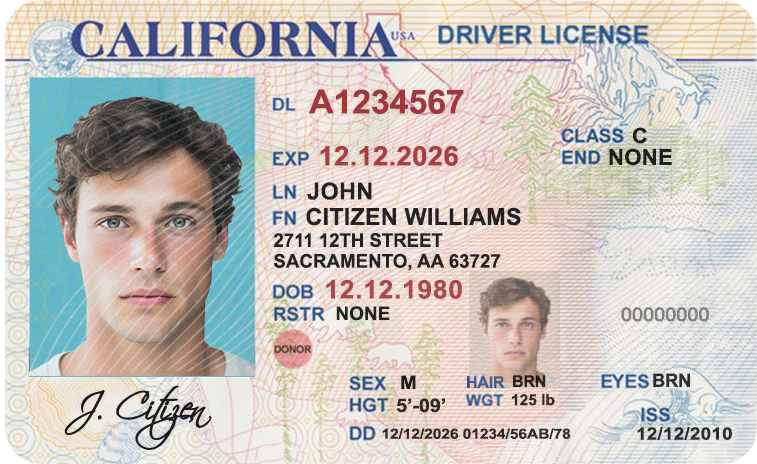
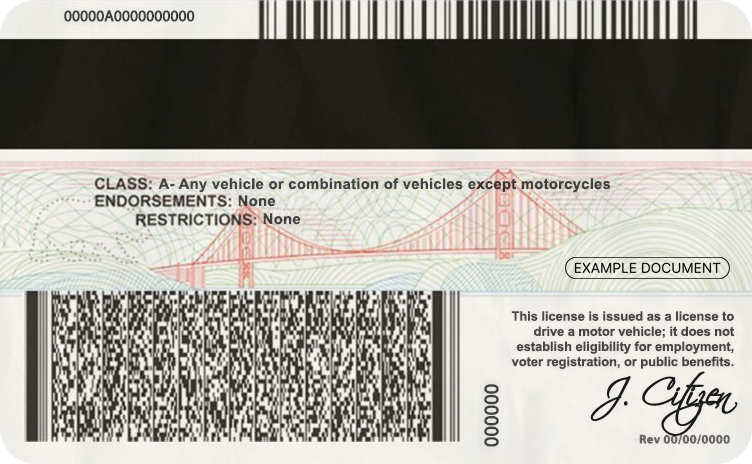
On the eKYC capture screens, you will be first asked to upload an identification document. You will need to upload any of these pre-rejected identity documents.
Submitting these documents will guarantee rejection every time they are uploaded for a KYC submission.
You can subscribe to the KYC verification webhooks to be notified of the KYC rejection of the individual user.
Pre-rejected identity documents
Driver's license for USA (front)
Driver's license for USA (back)
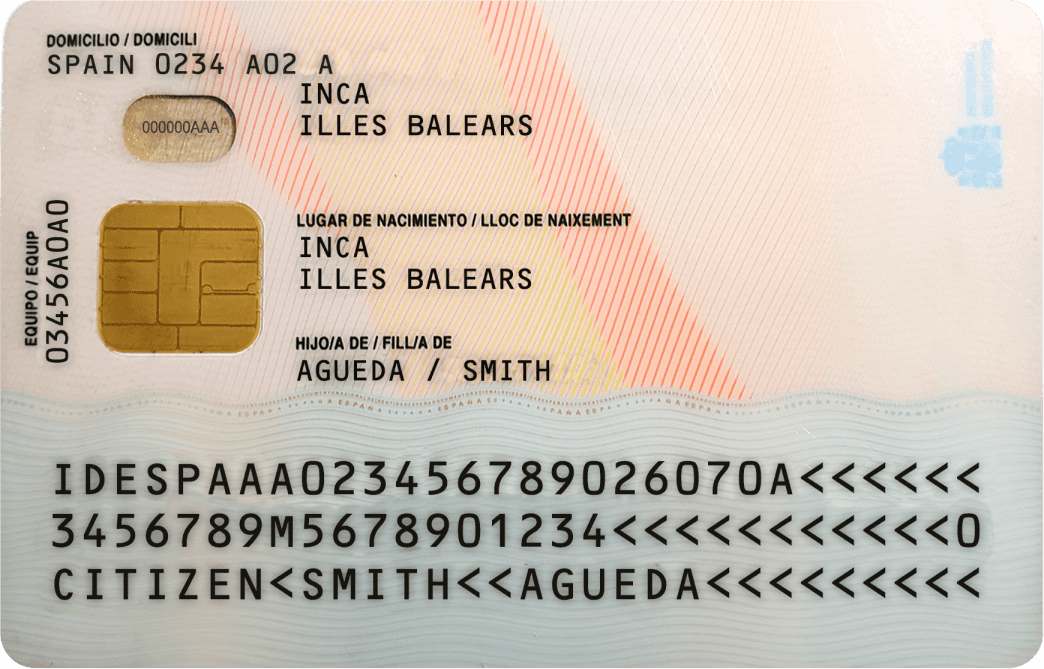
ID card for Spain (front)

ID card for Spain (back)
Proof of Address (PoA) for Germany
Source: https://docs.sumsub.com/docs/verification-document-templates


On this page
- Simulate individual eKYC approvals