Support & servicing readiness
Use MatchMove’s internal support portal to report incidents, request production support, or ask integration questions. Supplying complete, sanitized diagnostics accelerates time-to-resolution.
Opening an incident ticket
Learn how to raise tickets for servicing your queries regarding MatchMove Platform
1
Access MatchMove console
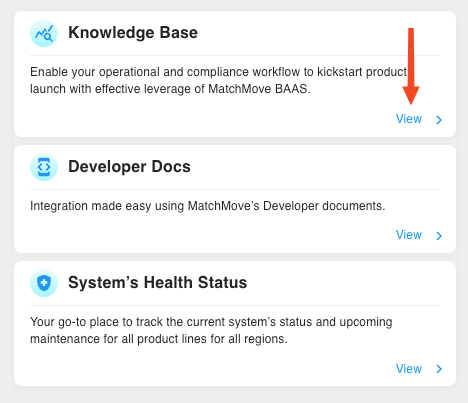
Access support portal via MatchMove console
MatchMove console and status page can only be accessed via the IPs whitelisted for your access to MatchMove console
2
Create ticket
Click Create Ticket, then select the category that best matches your issue . Learn more about issues types
3
Provide information
Fill in the required fields, then click submit. You will receive an email with a ticket ID and a link to track its status.
For a faster resolution ensure your systems are geared up to provide the below information for API issues encountered
Request identifier — the request_id header returned by every MatchMove API response.
Endpoint, method, and timestamp — for example, POST /v1/cards at 2025-08-24T05:30:00Z.
Full HTTP request and response logs — include headers and a redacted body (see security notes below).
Impact assessment — number of affected users and any user-visible errors.
Secure Ticket Logging & Redaction Guidelines
Never include the following in a ticket—paste only redacted values as per the guidance below
Primary account numbers (PAN) | Show the first six and last four digits: |
CVV/CVC | Remove entirely |
Bearer or secret keys | Replace all characters except for first six and last six with |
Authentication Headers | Replace all characters except for first six and last six with |


On this page
- Support & servicing readiness